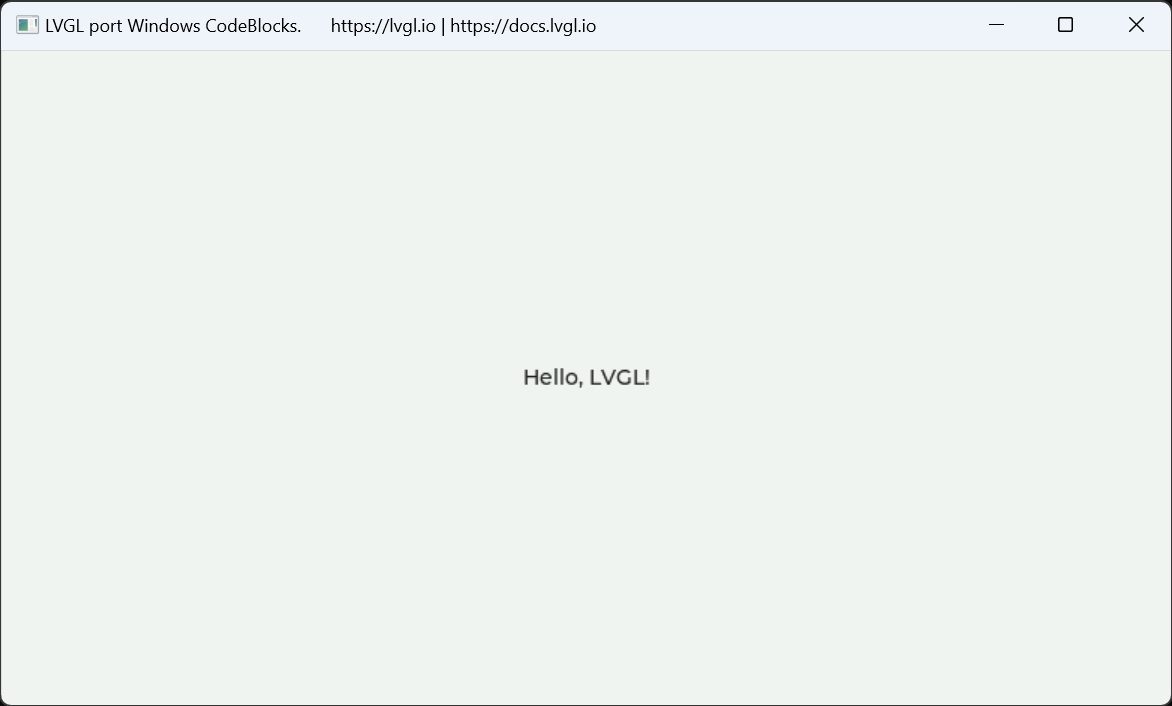
Code::Block LVGL on Windows
Code::Block
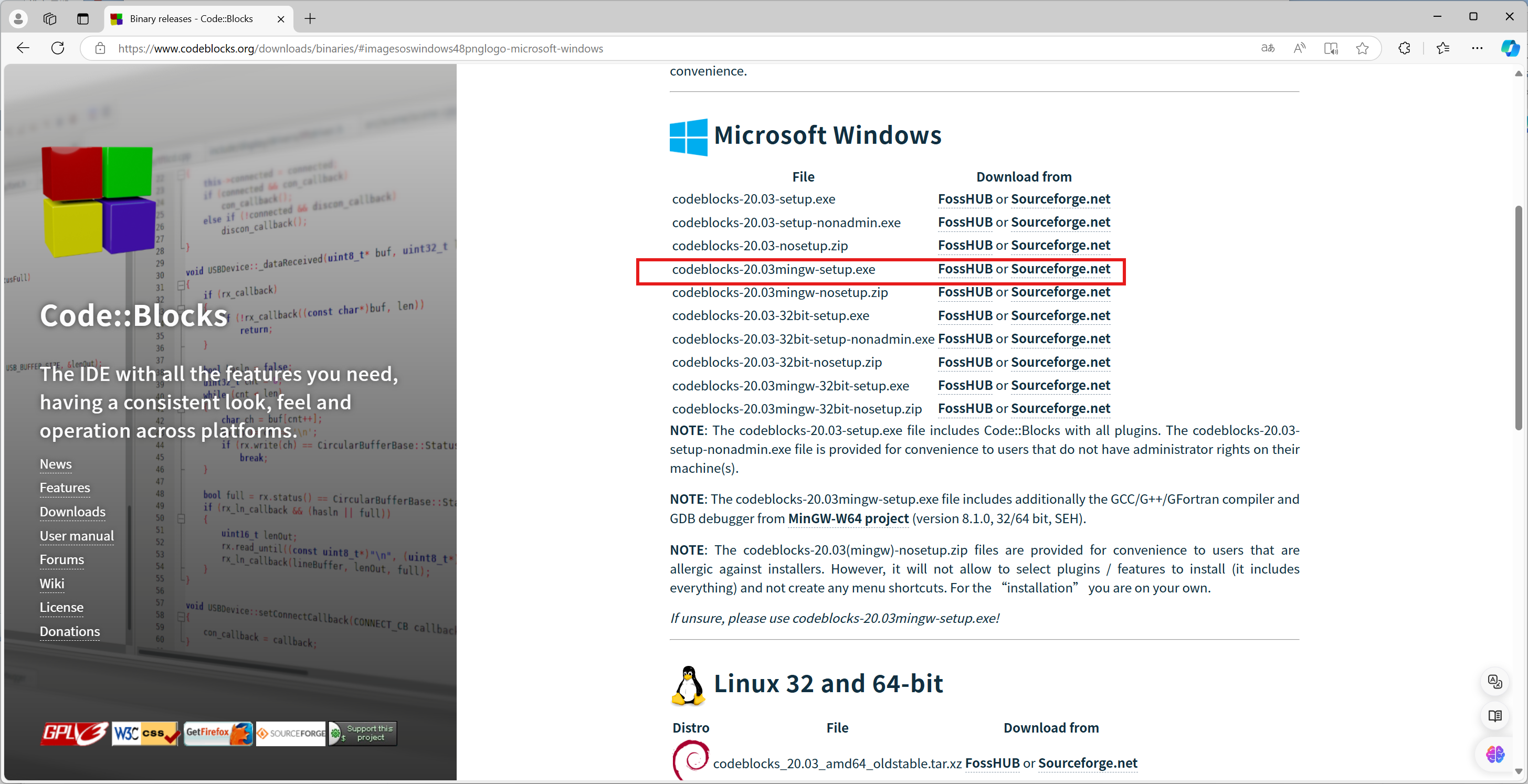
Binary releases - Code::Blocks
Download codeblocks-20.03mingw-setup.exe
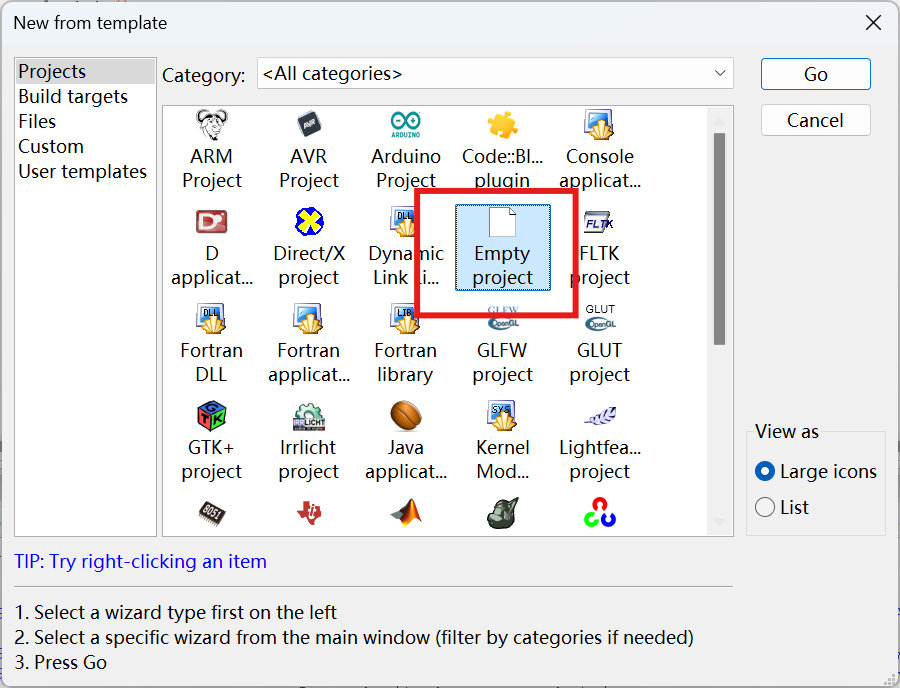
Create Empty Project
LVGL
cd CodeBlock_LVGL
git clone https://github.com/lvgl/lvgl.git
cp lvgl/lv_conf_template.h lv_conf.h
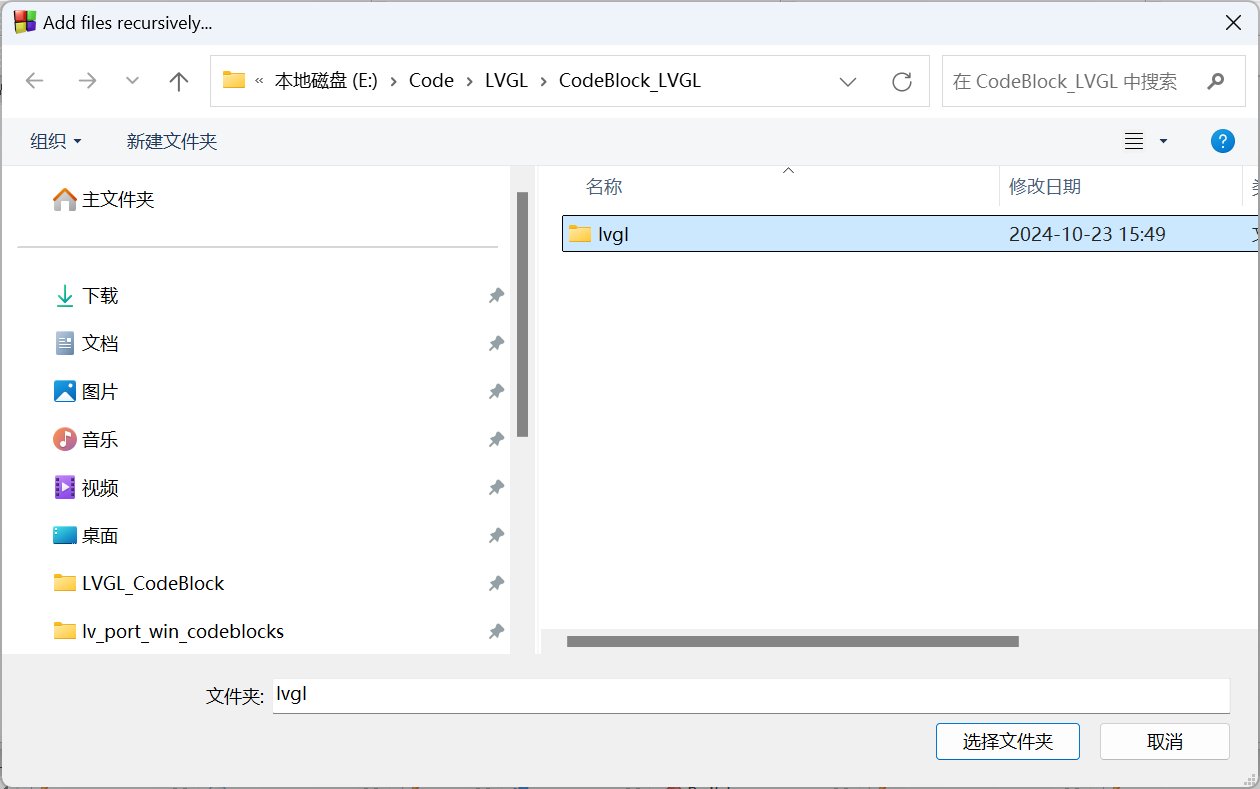
Right click CodeBlock_LVGL Project → Add files recursively…
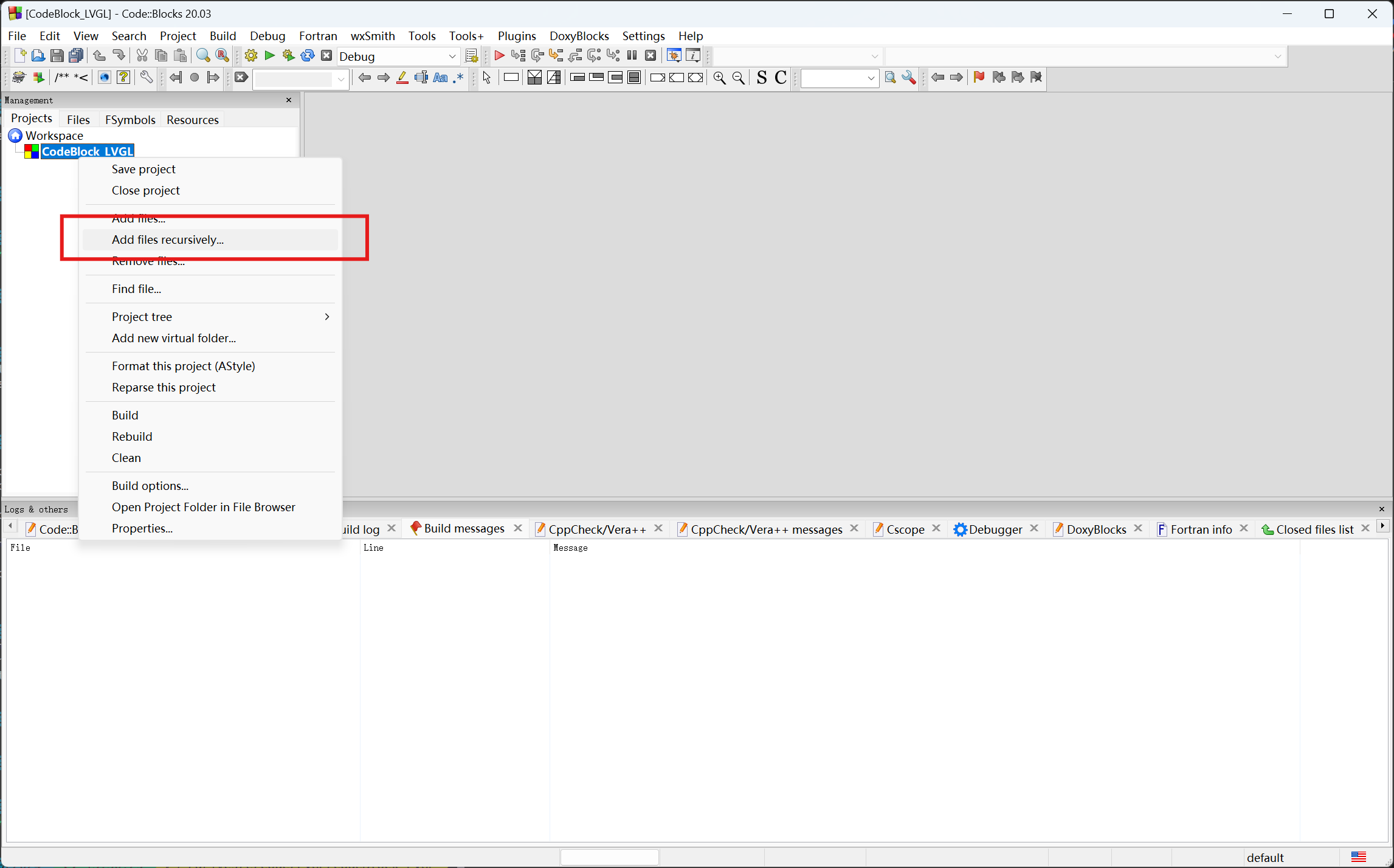
Choose lvgl
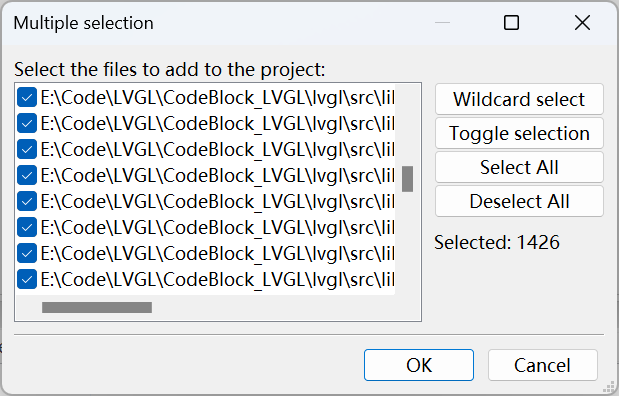
Click OK
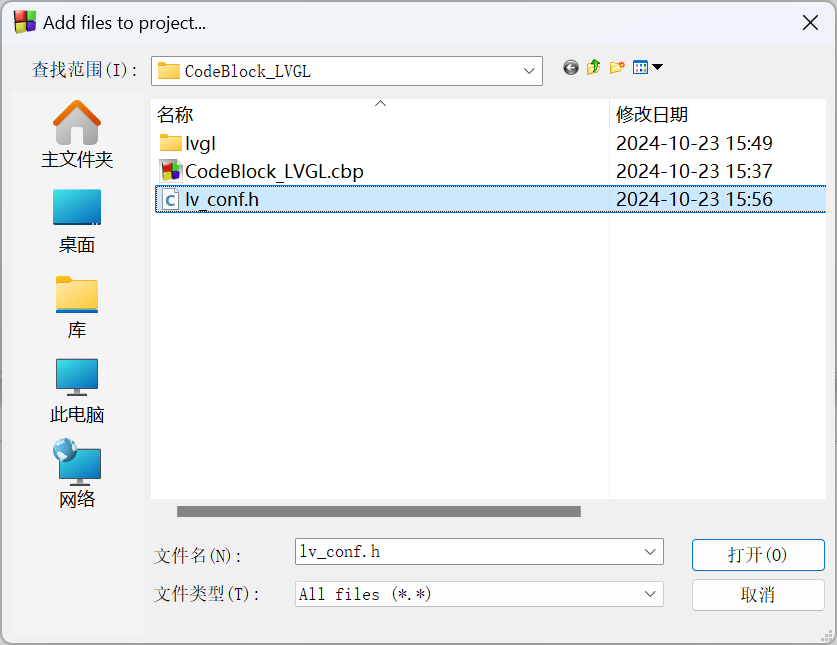
Right click CodeBlock_LVGL Project → Add files...
Choose lv_conf.h
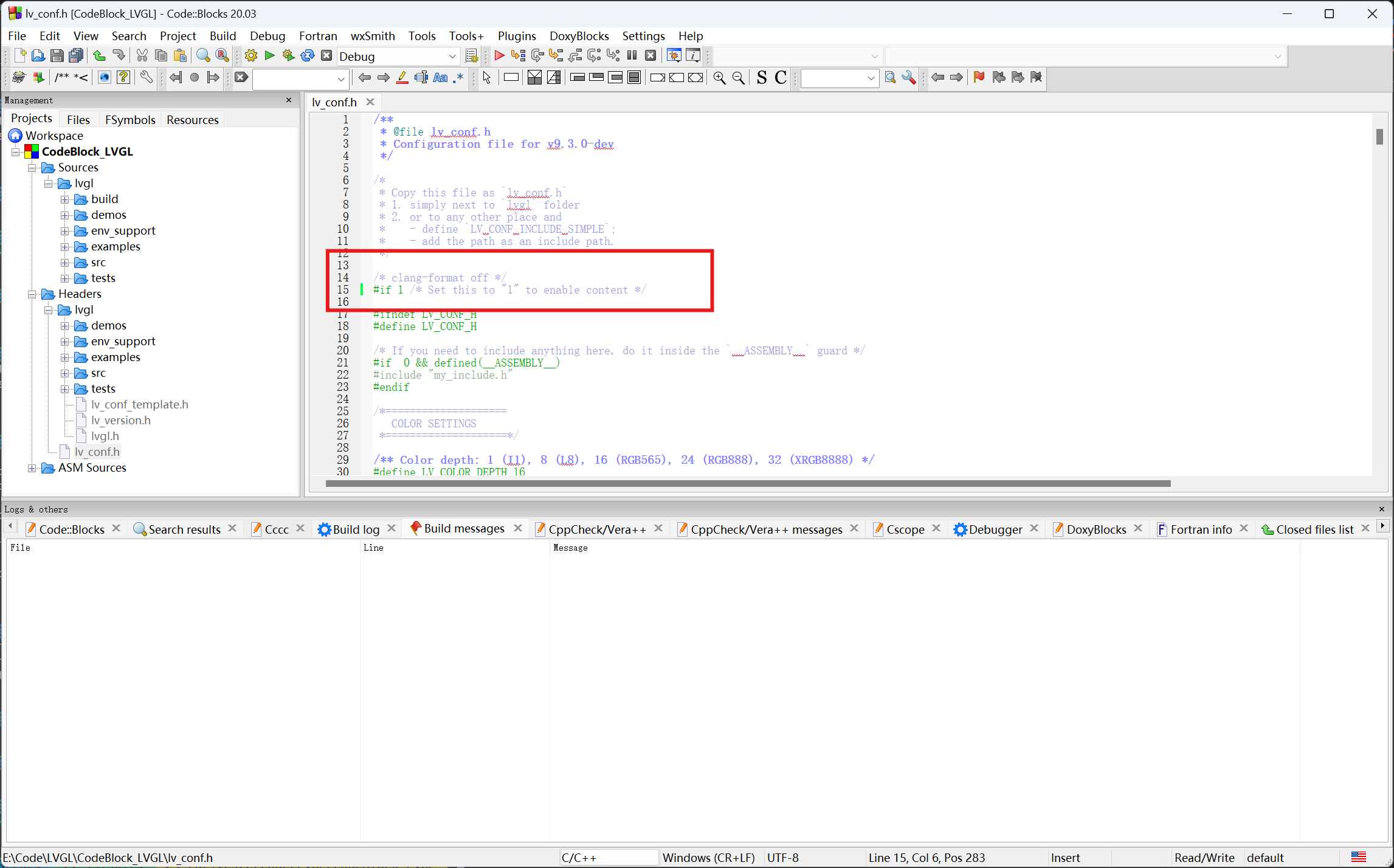
Open lv_conf.h and change the #if 0 at the beginning to #if 1 to enable its content.
#if 1 /* Set this to "1" to enable content */
#define LV_USE_OS   LV_OS_WINDOWS
/** LVGL Windows backend */
#define LV_USE_WINDOWS    1
Remove Files… Sources/tests and Headers/tests
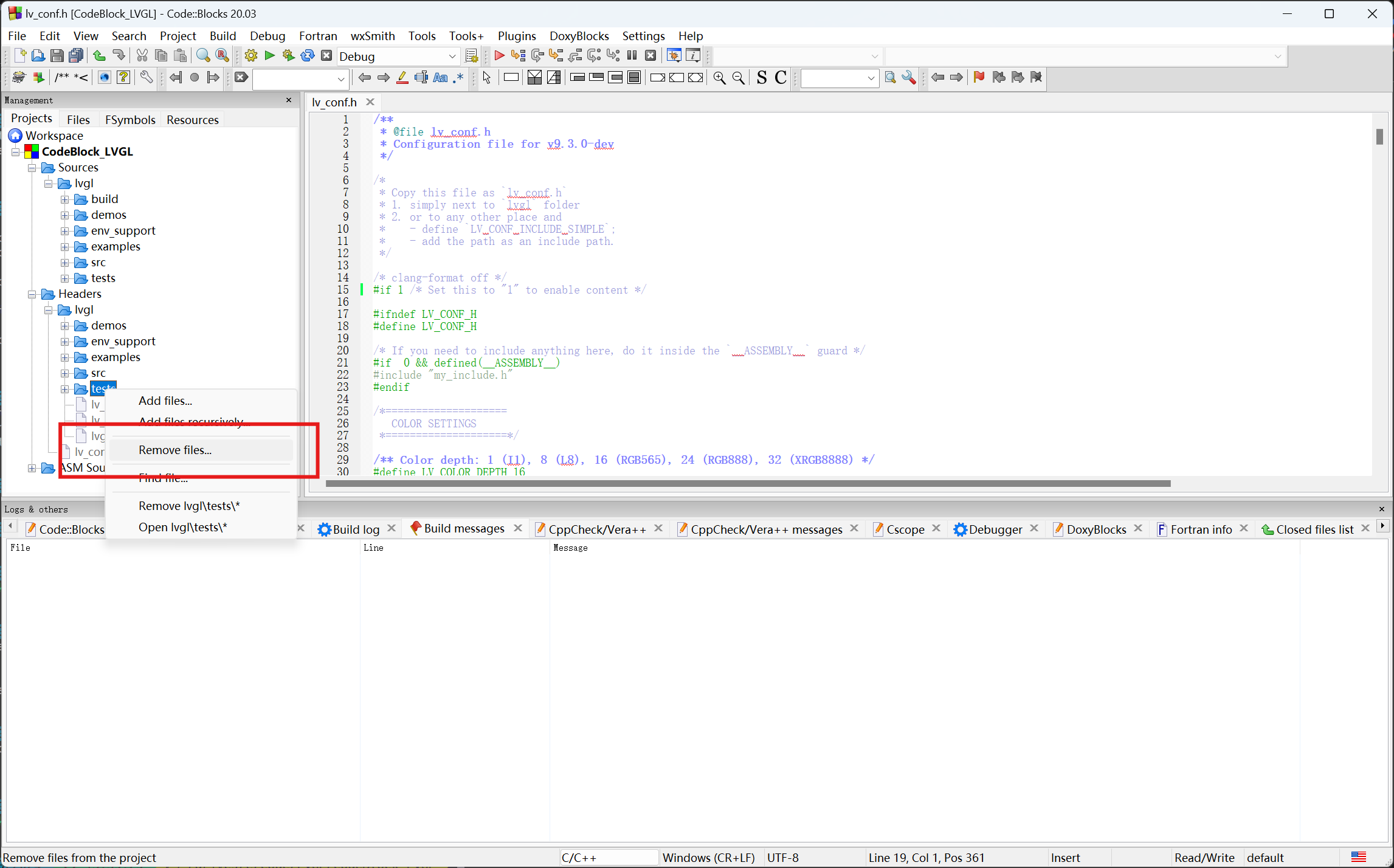
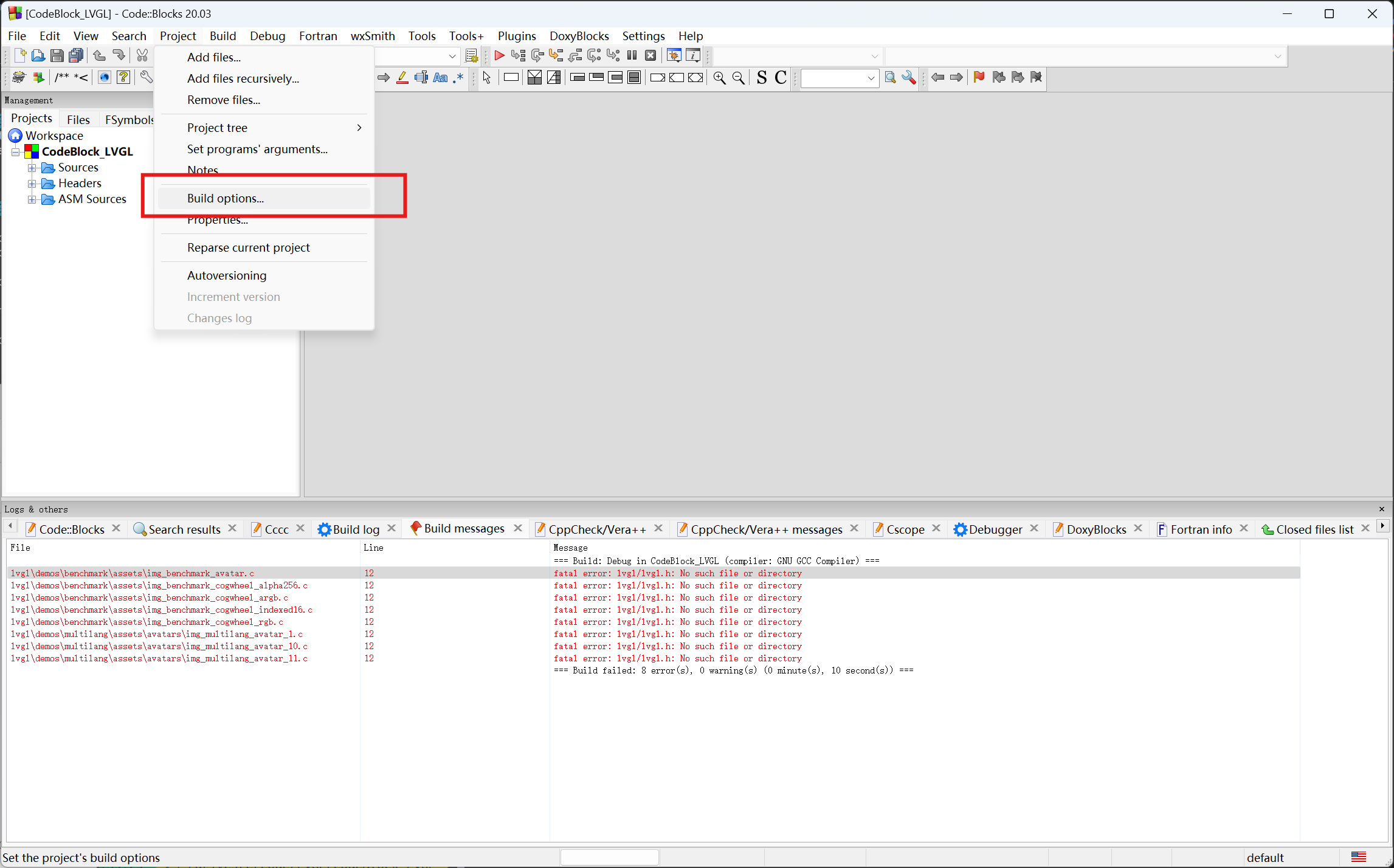
Project → Build Options…
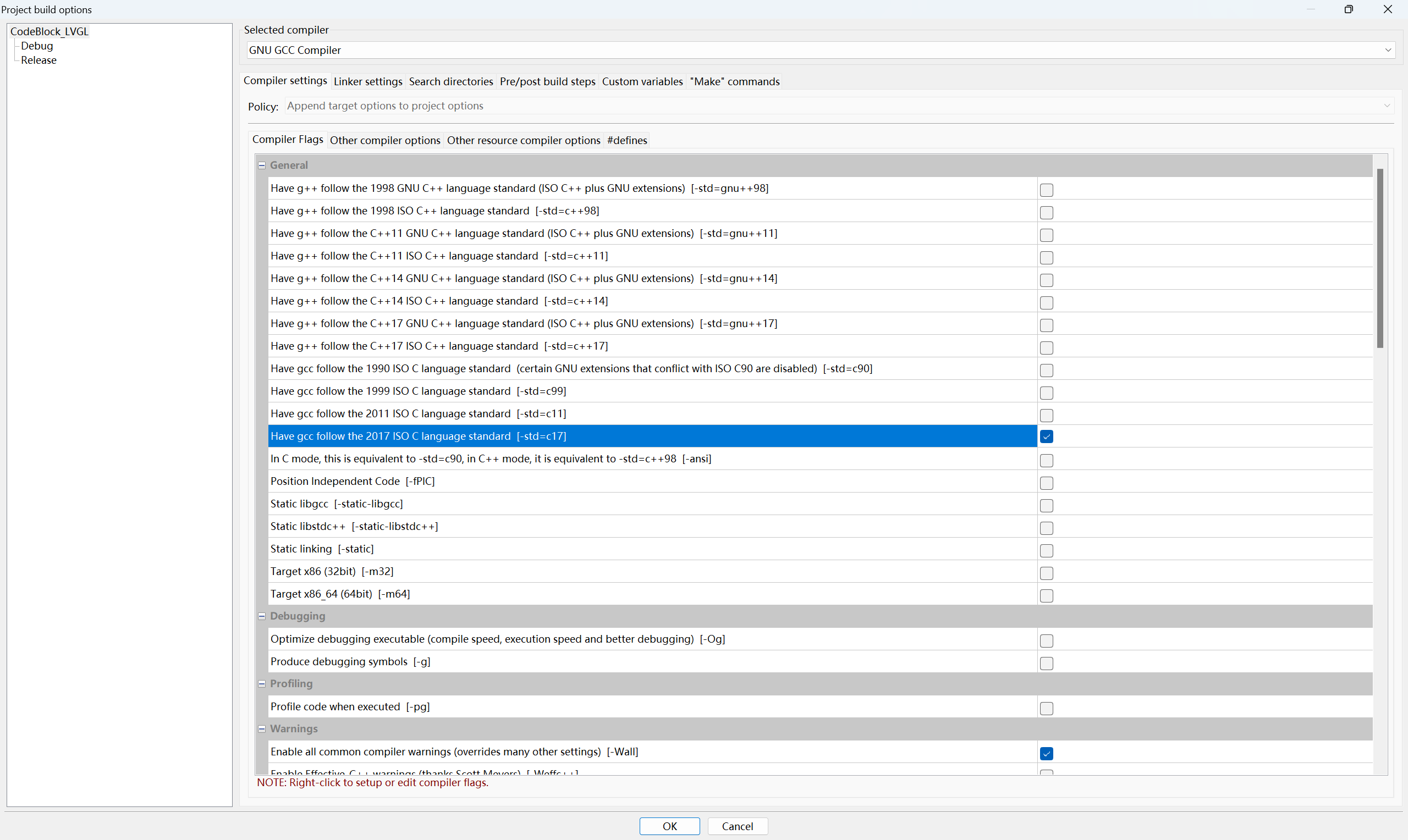
CodeBlock_LVGL → Compiler settings → Compiler flags → -std=c++17
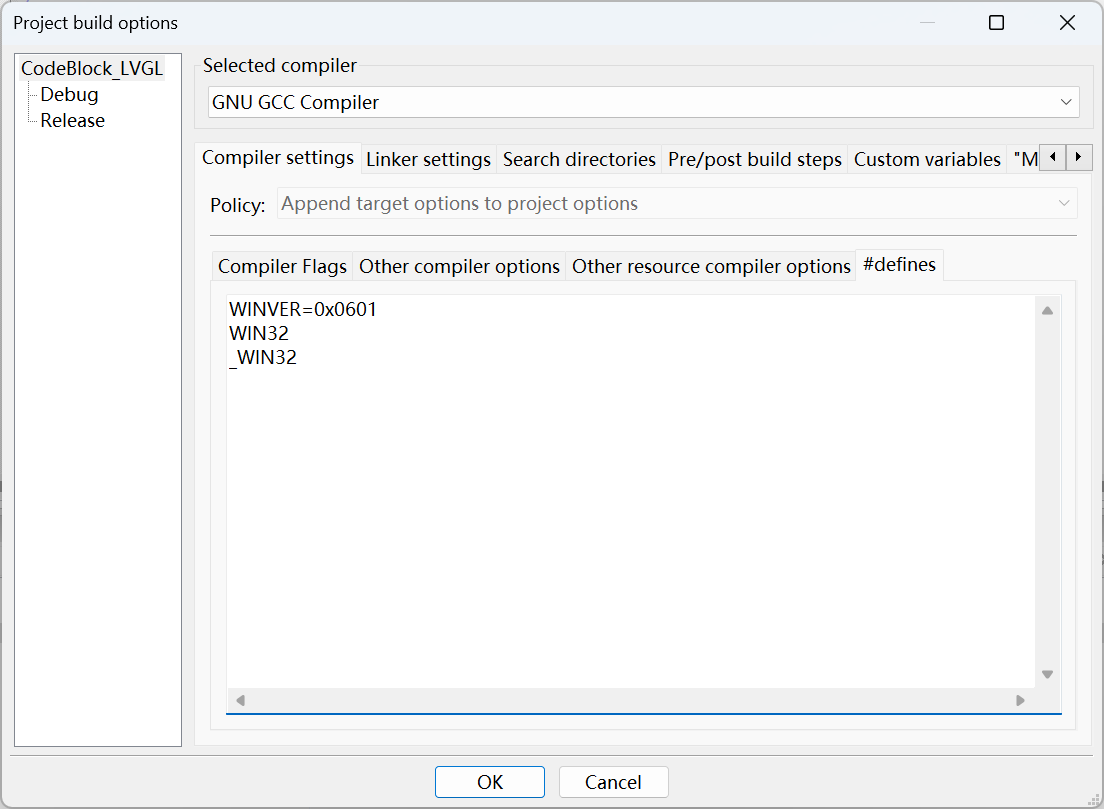
CodeBlock_LVGL → Compiler settings → #defines
WINVER=0x0601
WIN32
_WIN32
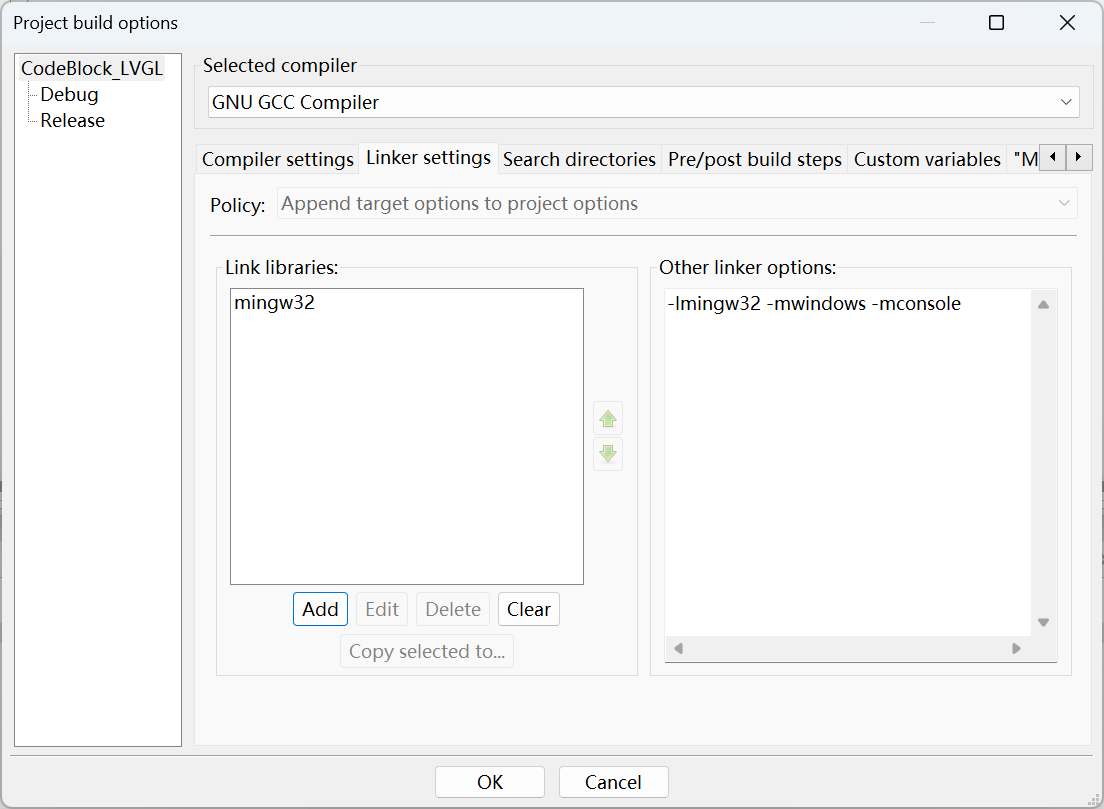
CodeBlock_LVGL → Linker settings → Link Libraries:
mingw32
CodeBlock_LVGL → Linker settings → Other linker options:
-lmingw32 -mwindows -mconsole
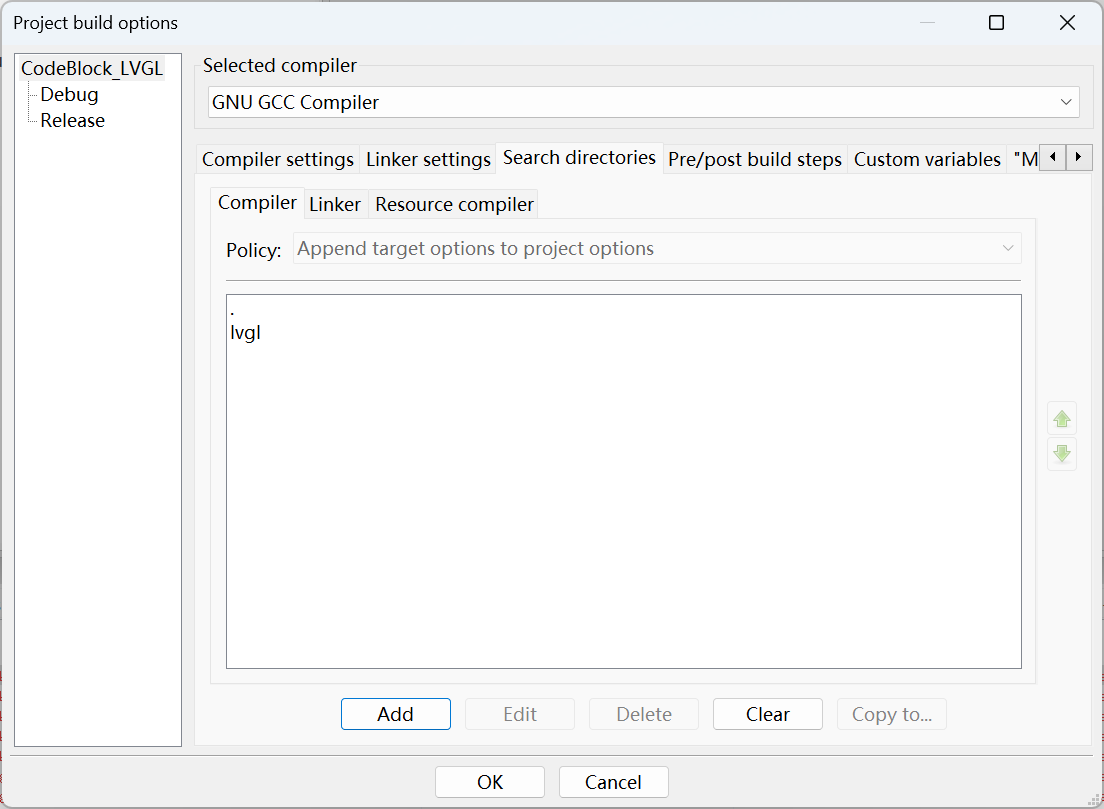
CodeBlock_LVGL → Search directories . lvgl
Properties →
Souce code
#include <stdlib.h>
#include <unistd.h>

#include "lvgl/lvgl.h"

static const wchar_t * title = L"LVGL port Windows CodeBlocks.      https://lvgl.io | https://docs.lvgl.io";

int APIENTRY WinMain(HINSTANCE hInstance, HINSTANCE hPrevInstance, LPSTR szCmdLine, int nCmdShow)
{
    /*Initialize LVGL*/
    lv_init();

    /*Initialize the HAL for LVGL*/
    lv_display_t * display = lv_windows_create_display(title, 800, 480, 100, FALSE, FALSE);
    lv_windows_acquire_pointer_indev(display);

    /*Output prompt information to the console, you can also use printf() to print directly*/
    LV_LOG_USER("LVGL initialization completed!");


    lv_obj_t * label = lv_label_create(lv_screen_active());

    // Set the label text
    lv_label_set_text(label, "Hello, LVGL!");

    // Align the label in the center
    lv_obj_align(label, LV_ALIGN_CENTER, 0, 0);

    while (1) {
        /* Periodically call the lv_task handler.
         * It could be done in a timer interrupt or an OS task too.*/
        lv_task_handler();
        usleep(5000);       /*Just to let the system breath*/
    }
    return 0;
}